What belongs in your online catalog? More than you might think.
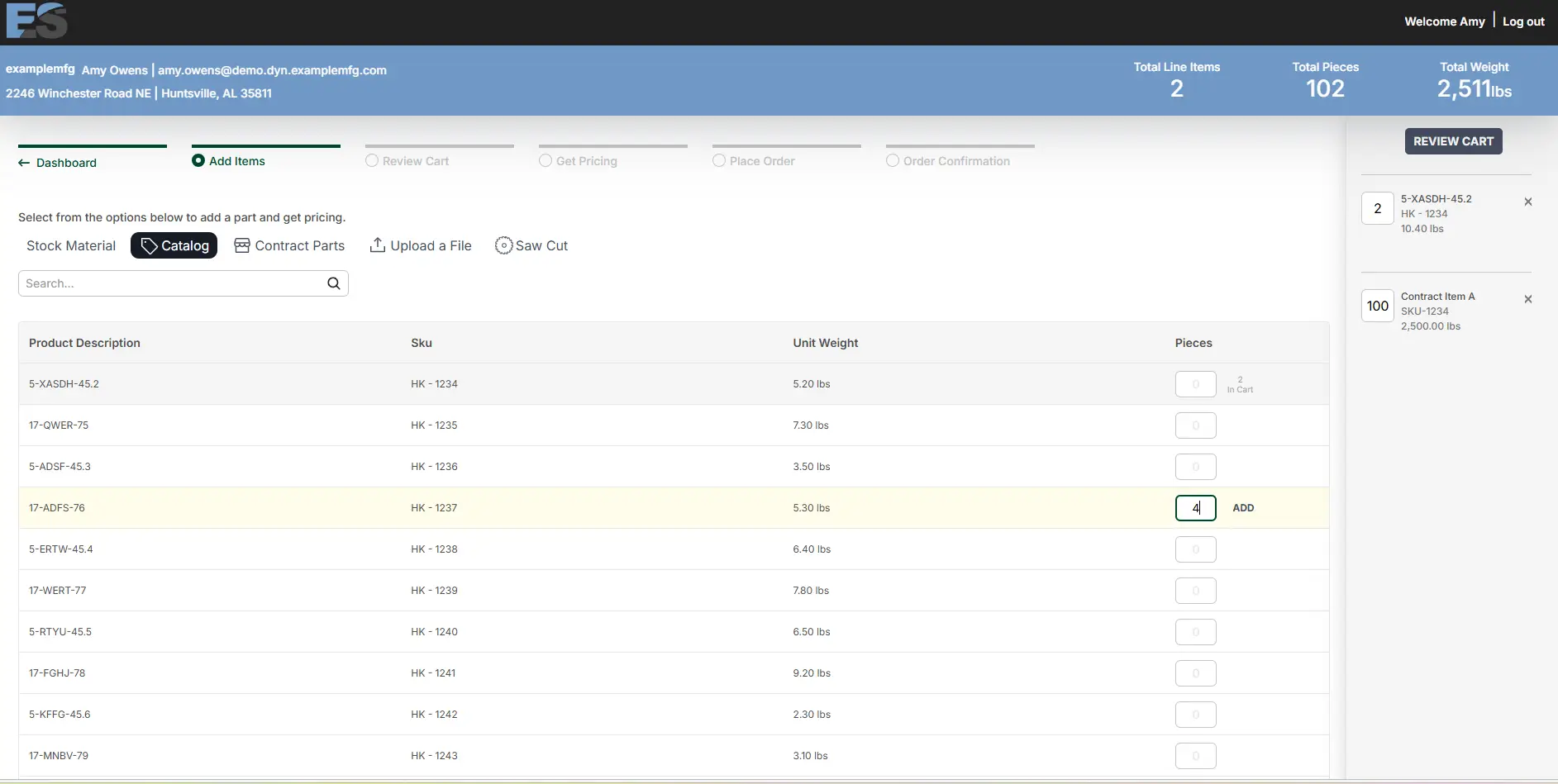
When we launched Catalog Items, the idea was simple: if you sell it, your buyers should be able to buy it online, even when it isn’t a sheet, plate, or bar. Hardware. Fasteners. The products that round out an order should be all in one cart, so the customer who came for plate leaves with everything they need.
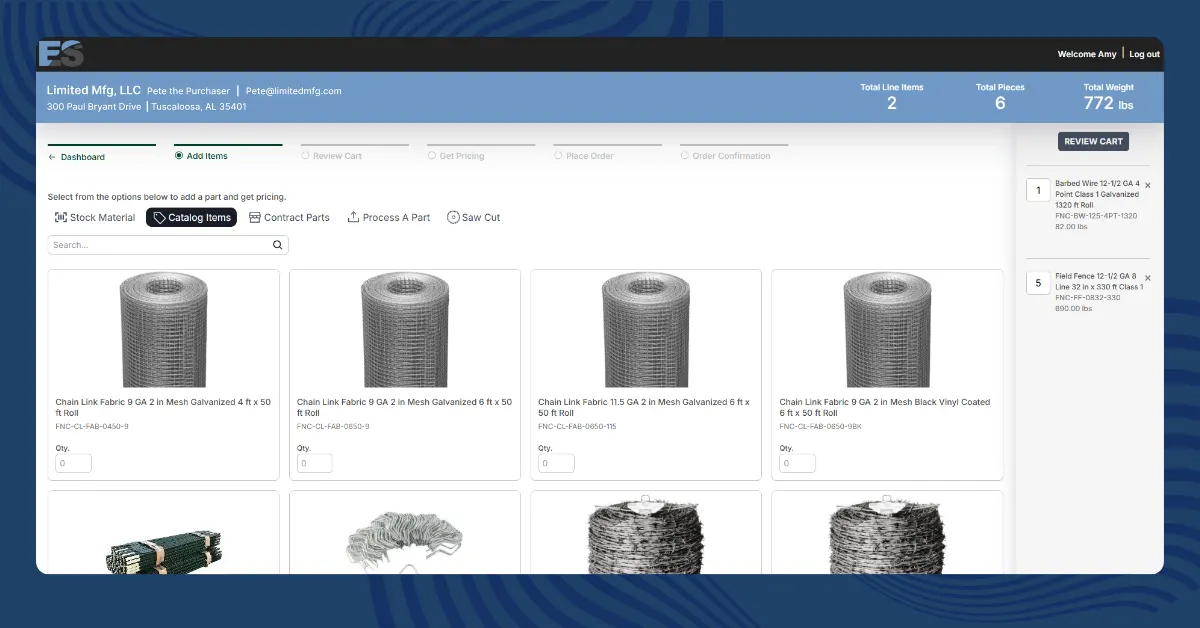
If that’s how you’re using it, good. That’s the job it was built for, and with images now on catalog items, that job got easier: buyers see the bracket instead of reading about it, recognize what they need, and add it to the cart without calling to check.
But here’s what we’ve learned watching customers use it: the catalog isn’t only a way to finish an order. It’s a way to show every buyer everything you sell. That works in two directions. New buyers find a reason to walk in the door, and the customers you already have discover you sell things they’ve been buying somewhere else.
Here are four ideas worth stealing.
1. Put the stock yard to work
Every operation has material that doesn’t move. Remnants. Drops. Overstock. The odd sizes left over from a job that changed. That inventory usually sells one way: over the phone, when someone happens to ask, if the rep happens to remember it’s out there.
List it as catalog items instead. This is where a photo earns its keep most, because a picture sells an odd-size drop far better than a line of text ever could. Material that sat for months gets seen by every buyer who logs in, the deal hunters find it on their own, and dead stock turns into found money without a rep spending a minute on it.
2. Carry your whole line card
If you distribute products for other manufacturers, those belong in your catalog too. The products that ride along with your core business and usually live in a paper catalog or a rep’s memory can sit right on your storefront, photos and all.
Buyers see everything you can get them, recognize the brands on sight, and order it all in one cart. For a lot of operations this is a whole revenue line that’s never been visible online before.
And good news: this one barely takes any work. Most manufacturers already have photos, descriptions, and spec sheets ready for you to use. All you have to do is ask.
3. Turn your most-requested cuts into products
You already know the sizes people ask for constantly. The popular blanks. The common cut-to-length sizes. The “can you cut me the usual” requests your team quotes on repeat.
List them as catalog items with set prices and a photo of the finished piece. A request that used to need a quote becomes an add-to-cart, and your most repeatable work starts selling itself.
4. List the side business
Almost every shop we’ve seen sells something beyond the metal. Fencing. Gardening supplies. Playground equipment. Pole barn packages. The products you sell here and there, that half your customers don’t even know you carry, because they’ve only ever bought what they came for.
Put it all in the catalog. The here-and-there items become a visible product line, with photos that sell them on sight. The customer who’s bought plate from you for ten years finds out you also do fencing, and the fencing buyer who found you online becomes a metal customer later. Nothing you sell should be a secret.
The catalog works both directions.
Everything above adds up to the same two outcomes.
For the buyers you already have: bigger, more complete orders. Every item they used to source somewhere else, or didn’t know you carried, is one more line in a cart they were already filling. That means more revenue per order, from customers you already won.
For the buyers you don’t have yet: a front door. Sign-ups now work with any email address, so the small shop, the farm operation, or the contractor who found your fencing online can create an account and buy today. They come in for the catalog item. They stay for everything else you do.
Get started.
Already on Stella Source? Your storefront is ready for catalog items today, and getting your first ones up is quick. Add items one at a time or upload in bulk, drop in your images, and they’re live for every buyer who logs in. This help article walks you through the whole setup.
New to Stella Source? Your storefront should sell everything you sell, not only the metal. Book a Demo and see what your catalog could look like.